Base64 is one of the quiet workhorses of the internet: a way of writing any file, from a photo to an encryption key, using only 64 ordinary printable characters. It is why an email attachment survives the trip through old mail servers, and why a web page can carry a small image inside its own code instead of loading it separately.
This explainer, based on the RFC 4648 standard and standard reference material on the encoding, walks through how the trick works and where it turns up.
The problem it solves
Computers store everything as bytes, and a byte can take any of 256 values. Many older text systems, especially email as first designed, were built to move only 7-bit ASCII text safely. Raw binary data sent through them could be mangled. Base64 sidesteps that by mapping data onto characters that almost every system treats as plain text: the capital letters A to Z, the lowercase letters a to z, the digits 0 to 9, and two extra symbols, usually + and /. The equals sign is kept for padding.
How the encoding works
The method takes the input three bytes at a time. Three bytes are 24 bits, and 24 bits split neatly into four groups of six. Each six-bit group is a number from 0 to 63, and that number picks one character from the 64-character alphabet. So every three bytes in become four characters out.
A classic worked example uses the word Man. The letters M, a and n have the byte values 77, 97 and 110. Laid end to end and cut into six-bit chunks, those give the numbers 19, 22, 5 and 46, which map to T, W, F and u. Man becomes TWFu.
When the input does not divide evenly by three, the encoder fills the gap with zero bits and adds one or two = signs at the end, so the decoder knows how many bytes are real. A single leftover byte ends in ==, two leftover bytes in a single =.
The cost: about a third bigger
Turning three bytes into four characters means Base64 output is roughly 33 percent larger than the original. Email systems that also insert line breaks, as the MIME standard does every 76 characters, add a few percent more. That overhead is why Base64 is used for convenience and safety rather than for storage.
Where you meet it
Base64 appears in email attachments, in data URIs that embed images and fonts directly in HTML and CSS, in PEM files that hold security certificates, and in the browser’s own atob() and btoa() functions. A URL-safe variant swaps + and / for – and _ so encoded strings can sit inside web addresses without extra escaping.
One important point for anyone handling passwords or tokens: Base64 is an encoding, not encryption. Anyone can reverse it in a second, with no key. Treating it as a lock is a common mistake, much like reusing weak passwords such as the one that still tops the list of the world’s most common passwords. For more on everyday logins and their pitfalls, see Badiyaa’s story on BugMeNot, the shared-login site that closed after more than two decades, and the rest of our Tech coverage.
Further reading
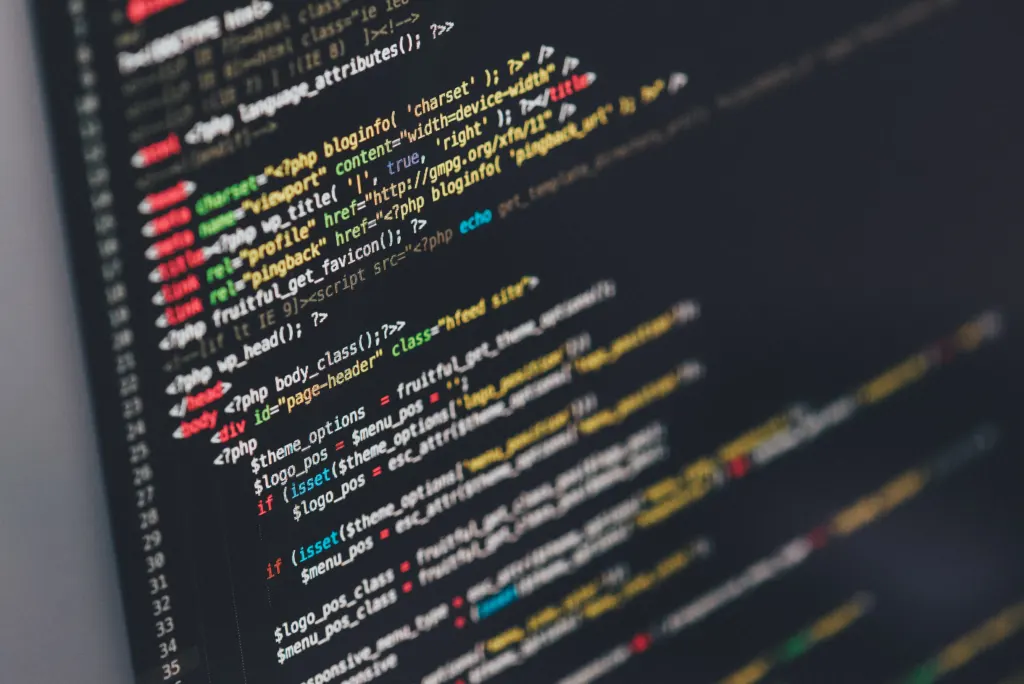
Image: Ilya Pavlov, CC0 via Wikimedia Commons
This article was produced with AI assistance and reviewed by our Editorial Desk. How we work.