Debian users can now set up a network speed-test server with a single install command, and they get a new tool that can open hundreds of thousands of connections per second to stress firewalls. Debian developer Daniel Baumann has split the classic iperf and iperf3 packages into separate client and server pieces and added fireperf, a modern rival to iperf3.
Baumann laid out the changes in his blog post on modernizing iperf and introducing fireperf, dated November 22. The updated packages are in Debian's unstable branch, sid, with backports for the current stable release, trixie.
iperf and iperf3, the bandwidth yardsticks
Both tools measure how much data a network link can move between a client and a server. Wikipedia's iperf entry explains that iperf3 is a ground-up rewrite started in 2009, first released in January 2014, and not compatible with the older iperf2. Before version 3.16, iperf3 ran on a single thread, which capped it at the speed of one processor core.
Baumann pushes back on a common assumption. In his view, "iperf2 in general is the better tool than iperf3," and the belief that iperf3 is better is a misconception driven by the bigger number.
What changed in the packages
Previously, Debian's iperf package shipped only the program, with no system service for running a server. Now the source builds iperf-client and iperf-server, and the server package includes systemd and firewall integration. The same split applies to iperf3.
Because iperf3 cannot take several connections on one port, serving more than one client at once means running several servers. The new iperf3-server package includes a systemd template, so admins can start instances on ports 5201, 5202, 5203 and beyond. The old yes-or-no setup question and the obsolete sysvinit scripts are gone, and the old package names stay as transitional packages that clean up leftovers.
Enter fireperf
Fireperf comes from the IPFire firewall project, whose git server is listed as its homepage on Debian's fireperf-server package page, where Baumann is named as maintainer. That page says the tool was built to test firewalls, routers and anything else that tracks state for every connection.
According to Baumann's post, fireperf can:
- measure upload, download, or both at once;
- serve many clients in parallel on the same port;
- run many workers and connection sessions in parallel, to max out bonded links and firewalls;
- act as a client for both iperf and iperf3, detecting which one it is talking to;
- output JSON and draw a live graph in the terminal;
- use less CPU on both ends thanks to io_uring and zero-copy transfers.
Which package to install
Badiyaa's quick guide, based on Baumann's notes: install iperf-server or iperf3-server if you only need a test endpoint other people already know; install fireperf-client if you want one client that talks to either; and pick fireperf-server when you need many clients on one port or want to hammer a firewall's connection table. Fireperf is new, at version 0.3.0 in Debian, so it pays to check its options before relying on it.
Badiyaa has covered other hands-on network projects, including Jeff Geerling's public time server fed by a Raspberry Pi and Nyx, the free Denver internet provider still running since 1988.
Sources
- Debian: Modernizing iperf/iperf3 and introducing fireperf, Daniel Baumann (author's blog), 2026
- Package: fireperf-server (sid), Debian Project, 2026
- Iperf, Wikipedia, 2026
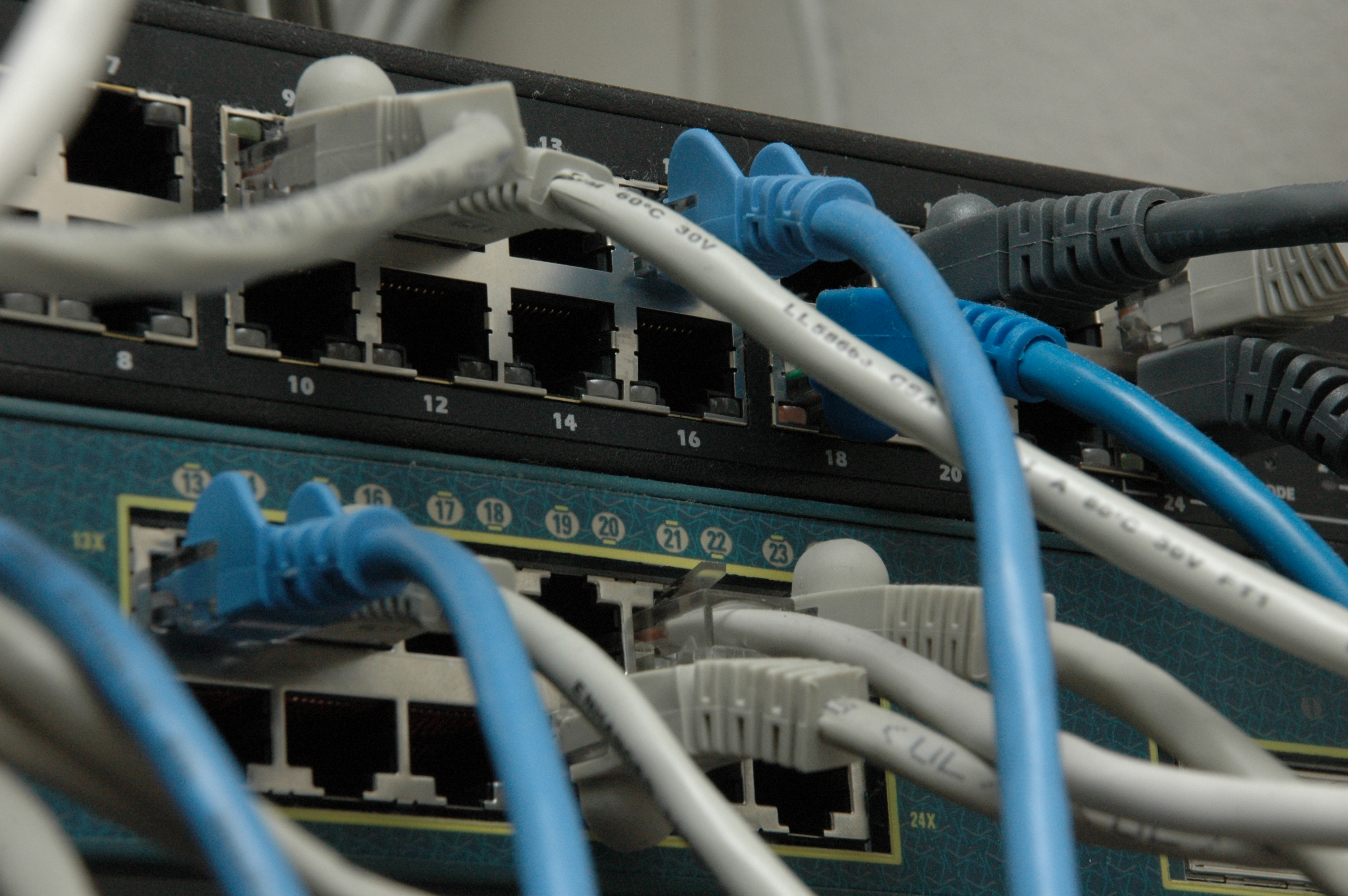
Image: ShakataGaNai, CC BY-SA 3.0 via Wikimedia Commons
This article was produced with AI assistance and reviewed by our Editorial Desk. How we work.