Type one command into a terminal and a whole cloud desktop appears, windows, browser and all, with no app to install and no sign-up. That is the party trick behind zydra.sh, a project from developer Hasan Madi, who argues that SSH, the decades-old tool for logging into remote servers, has quietly become a GUI framework.
In Madi's essay "SSH is a GUI framework", published on November 21, he describes SSH as an encrypted, multiplexed byte stream that reaches a rendering engine on practically every laptop, server and phone. Then he proves the point with a microVM whose desktop was built from scratch to draw itself over SSH.
Try it, and yes, there is a dinosaur
Madi's post invites readers to connect with "ssh zydra.sh", or over port 443 for people stuck behind office firewalls. For fun, "ssh -t zydra.sh dino" launches an SSH port of the Chromium T-Rex game, the one browsers show when the internet drops.
How a terminal becomes a desktop
The trick is that modern terminals have picked up far more than text. Madi leans on a stack of terminal protocols, each of which travels happily inside an SSH session:
- Graphics: the Kitty Graphics Protocol, which he says superseded the older Sixel and iTerm2 formats and supports compression and even animation.
- Notifications: OSC 99 for rich alerts with images, falling back to OSC 777 and then OSC 9 on simpler terminals.
- Clipboard: OSC 52 for two-way copy and paste, with a Kitty extension for images.
- Mouse and smooth drawing: mouse tracking codes for precise pointer coordinates, plus synchronized output to stop tearing and flicker.
The speed tricks
Streaming a desktop as pictures would be slow, so zydra.sh cheats wherever it can. Terminal windows are sent as real text rather than images. Graphics are split into a grid, and only cells that changed since the last frame are sent. Dropping transparency where it is not needed, Madi writes, saves another 25% of bandwidth. That figure checks out: an RGB pixel takes three bytes where an RGBA pixel takes four. The system also watches ping times and lowers resolution in select cells when a connection struggles, especially while scrolling.
He contrasts this with VNC, which can only ship pictures of the screen. In zydra.sh, apps tell the compositor what changed, and text stays selectable and copyable.
A 31-year-old protocol learns new tricks
SSH was never meant for any of this. Wikipedia's history of SSH records that Finnish researcher Tatu Ylönen designed it in 1995 after a password-sniffing attack on his university network, and picked port 22 because it sits between telnet on 23 and FTP on 21. By the end of that year it had 20,000 users in 50 countries; by 2000 the estimate was 2 million.
Madi is frank about the limits. On Android, SSH through Termux can be finicky, so he built a web version for phones. Audio is still a gap, and he says the Kitty protocol leaves performance on the table. He describes zydra.sh as the backbone of a broader effort to build a pleasant sandbox for AI agents.
It is the latest in a run of delightfully unlikely computing projects Badiyaa has covered, from Xnulinux booting the macOS desktop inside Linux to Nyx, the Denver internet provider born on a donated PDP-11 in 1988.
Sources
- SSH is a GUI framework, Hasan Madi, zydra.sh (author's own), 2026
- SSH (Secure Shell), Wikipedia, 2026
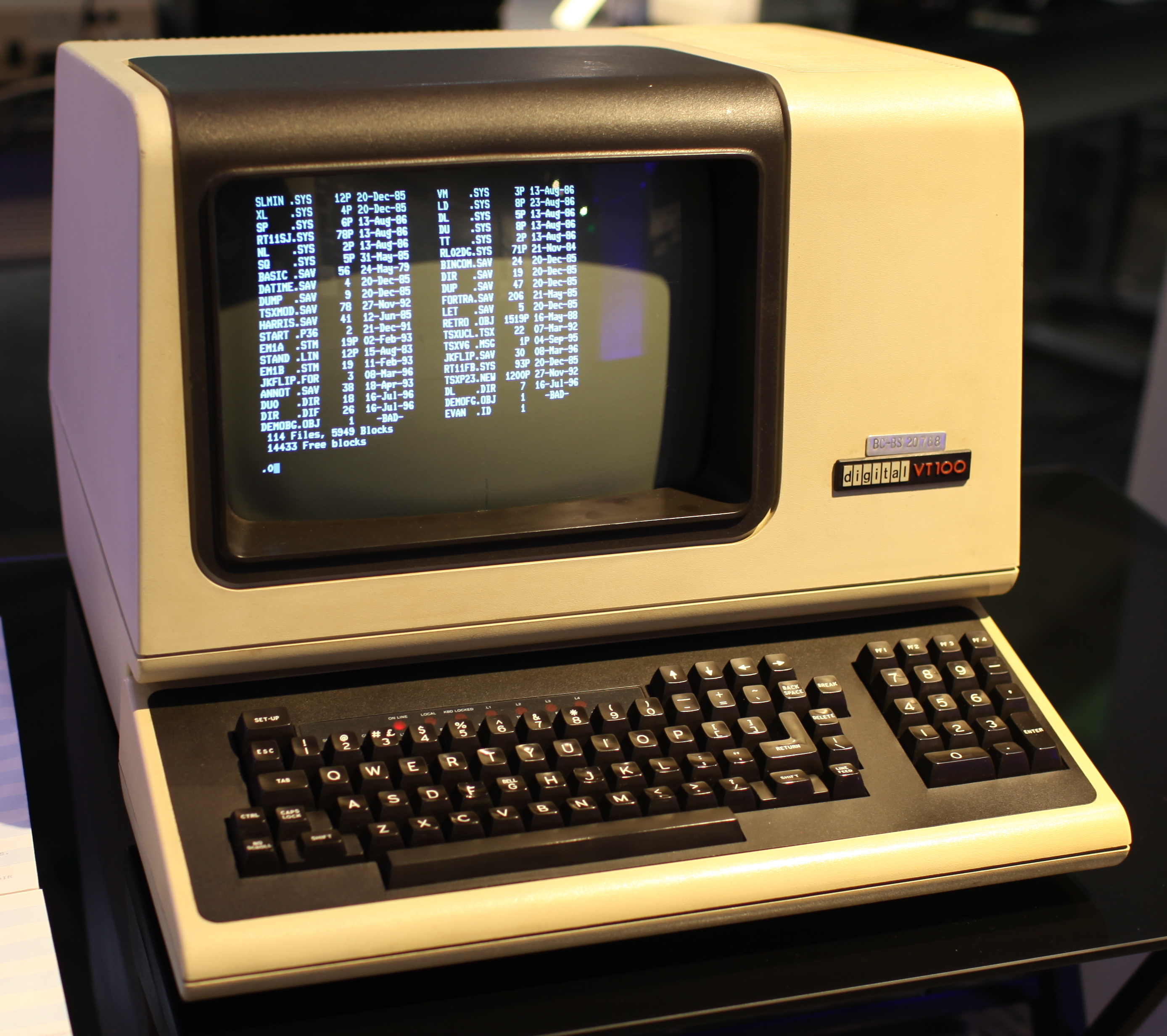
Image: Jason Scott, CC BY 2.0 via Wikimedia Commons
This article was produced with AI assistance and reviewed by our Editorial Desk. How we work.